Chrome DevTools MCP
developer.chrome.com
March 15, 2026
4 min read
🔥🔥🔥🔥🔥
69/100
Summary
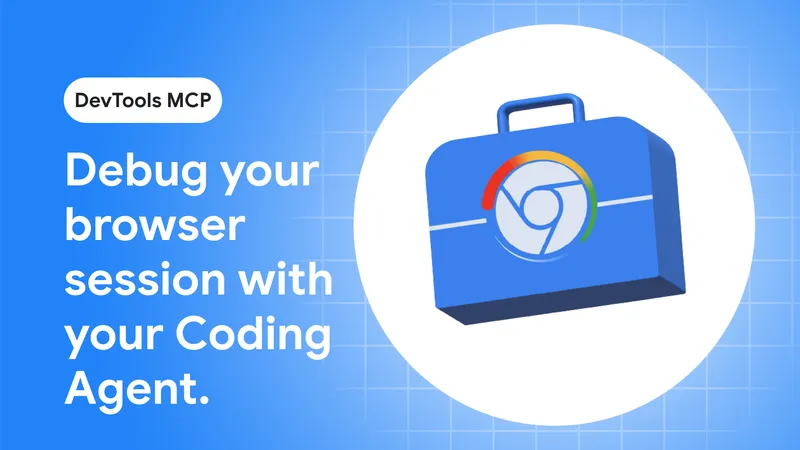
The Chrome DevTools MCP server now allows coding agents to connect directly to active browser sessions. This enhancement enables coding agents to reuse existing sessions, eliminating the need for additional sign-ins to address issues.
Key Takeaways
- The Chrome DevTools MCP server now allows coding agents to directly connect to active browser sessions, enabling them to reuse existing sessions without requiring additional sign-ins.
- Coding agents can access active debugging sessions in the DevTools UI, facilitating a seamless transition between manual and AI-assisted debugging.
- The new remote debugging feature requires users to enable remote debugging in Chrome and configure the MCP server with the --autoConnect option.
- Users will receive a permission dialog each time the MCP server requests a remote debugging session to prevent unauthorized access.
Coverage & discussions
Hacker News · developer.chrome.com
Community discussions
Community Sentiment
Positives
- Using Playwright with Claude Code allows for efficient web interaction without loading unnecessary resources, which can streamline automation tasks.
- The development of a machine-readable interaction layer for websites could significantly improve browser automation, making it more efficient and less error-prone.
- Existing agent skills, like the one for managing a local music library, demonstrate the practical applications of AI in enhancing user productivity.
Concerns
- Google's MCP is perceived as outdated and ineffective compared to more agile CLI tools, indicating a lack of innovation in their approach to coding assistance.
- The current methods of browser automation are seen as makeshift solutions that struggle with issues like token management and unreliable selectors, highlighting significant limitations in the technology.