April 2026 TLDR Setup for Ollama and Gemma 4 26B on a Mac mini
gist.github.com
April 3, 2026
4 min read
63/100
Summary
Ollama can be installed on a Mac mini with Apple Silicon using Homebrew with the command `brew install --cask ollama-app`, which includes auto-updates and the MLX backend. A minimum of 16GB of unified memory is required for running Gemma 4, and the Ollama app will appear in the Applications folder and the menu bar after installation.
Key Takeaways
- Ollama requires a Mac mini with Apple Silicon and at least 16GB of unified memory to run Gemma 4 effectively.
- The Ollama app can be installed via Homebrew and includes features for auto-updates and a command-line interface.
- To keep the Gemma 4 model loaded in memory, a launch agent can be created to send periodic prompts to Ollama.
- Ollama exposes a local API for chat completion, allowing integration with coding agents using standard HTTP requests.
Coverage & discussions
Hacker News · gist.github.com
Community discussions
Community Sentiment
Positives
- The interest in local models like Ollama suggests a growing desire for accessible AI tools that can be run on personal hardware, which could democratize AI usage.
- Users are exploring various setups with different hardware configurations, indicating a vibrant community experimenting with AI applications in home labs.
Concerns
- Many users find Ollama to be overly simplified compared to other options, which may limit its appeal for more experienced developers seeking robust features.
- Concerns about the performance of open models on local machines suggest that they may not yet be reliable enough to replace established services like Claude.
Related Articles

Ollama is now powered by MLX on Apple Silicon in preview
Mar 31, 2026
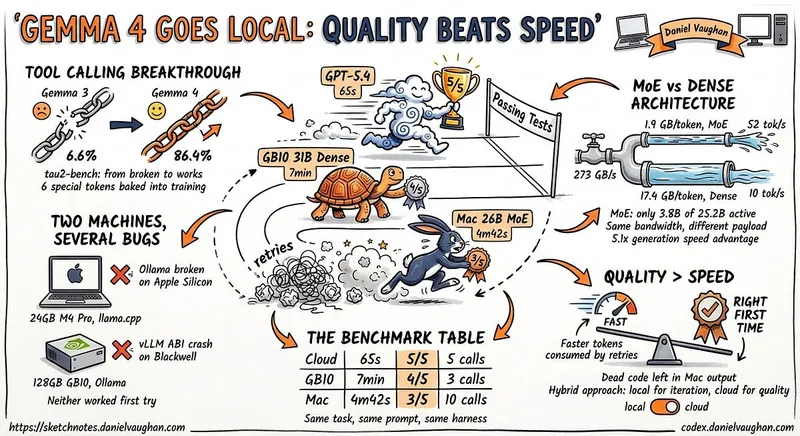
I ran Gemma 4 as a local model in Codex CLI
Apr 12, 2026

How to setup a local coding agent on macOS
Jun 12, 2026
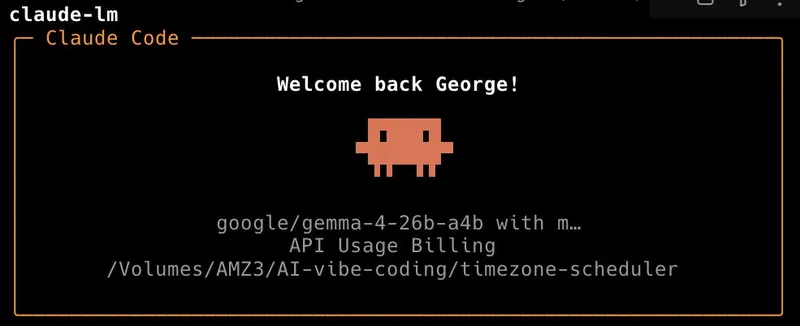
Running Gemma 4 locally with LM Studio's new headless CLI and Claude Code
Apr 5, 2026
AirLLM 70B inference with single 4GB GPU
Aug 3, 2026